Threats
The Threats page is the central intelligence database showing all IOCs (Indicators of Compromise) collected through persona conversations, domain monitoring, and automated worker investigations. It is organized into tabs by IOC type, making it easy to pivot between different categories of threat data.
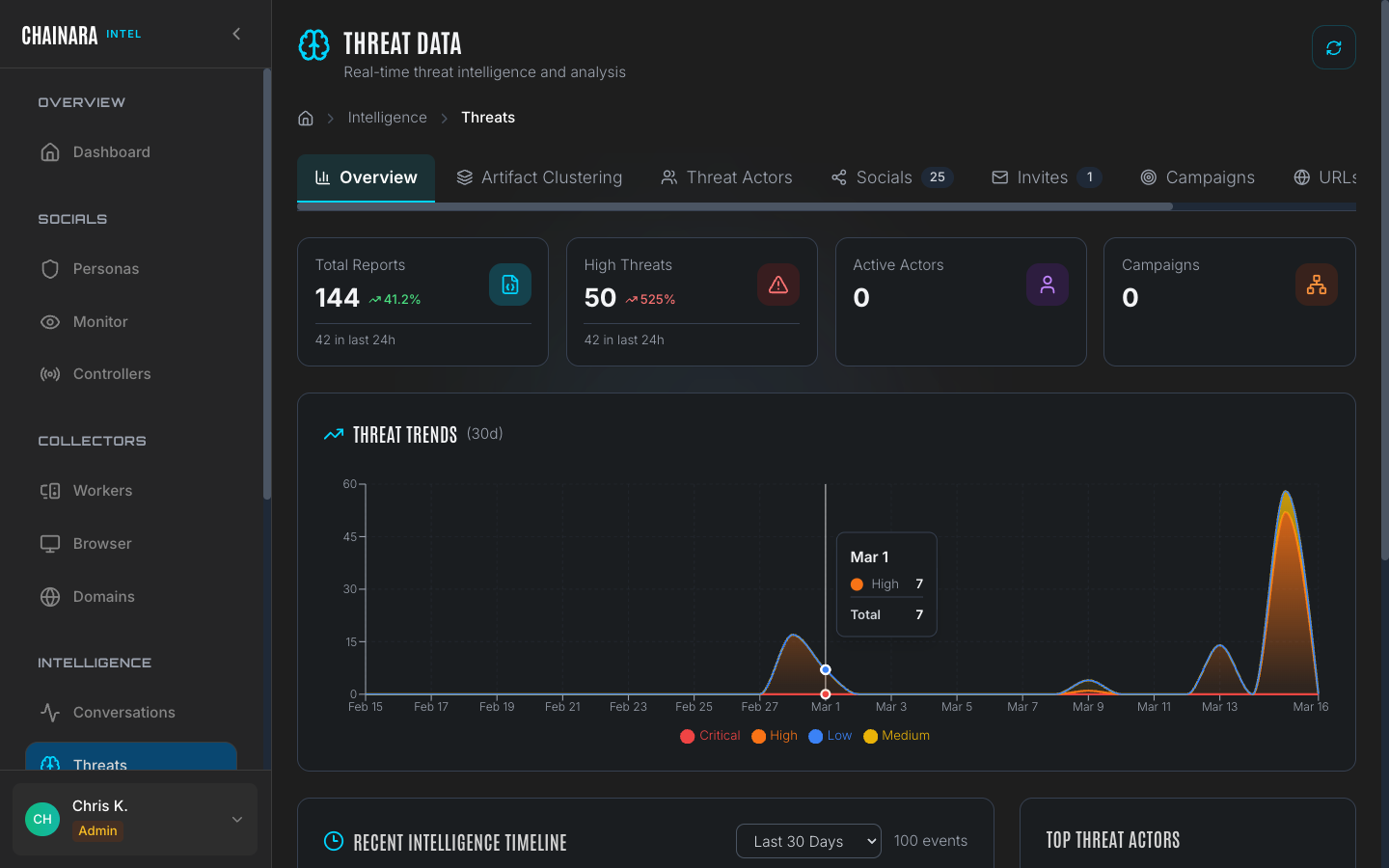
Overview stats
The top of the Threats page shows a summary card:
| Metric | Description |
|---|---|
| Total reports | All threat records across all categories |
| High severity | Subset classified as High or Critical |
| Threat trend (30d) | Chart showing daily threat discovery volume over the past 30 days |
The 30-day trend chart is useful for spotting coordinated campaign spikes: a sudden surge on a single day typically indicates an active scam campaign ramping up, a new server being infiltrated, or a worker completing a batch of domain scans.
Threat data tabs
Overview
The Overview tab gives a high-level summary across all IOC types, anchored by the 30-day trend chart.
Use the trend chart to identify:
- Spike days: days where a disproportionate number of IOCs were discovered, suggesting a coordinated campaign
- Baseline rate: your normal daily discovery volume, useful for detecting anomalies
- Declining activity: a scam operation that has gone quiet or been taken down
The overview also shows top-level counts per category (URLs, Wallets, Socials, Invites) so you can quickly see where the bulk of intelligence is concentrated.
Socials
The Socials tab displays threats extracted from social media conversations: wallet addresses and URLs shared directly by scammers during persona interactions.
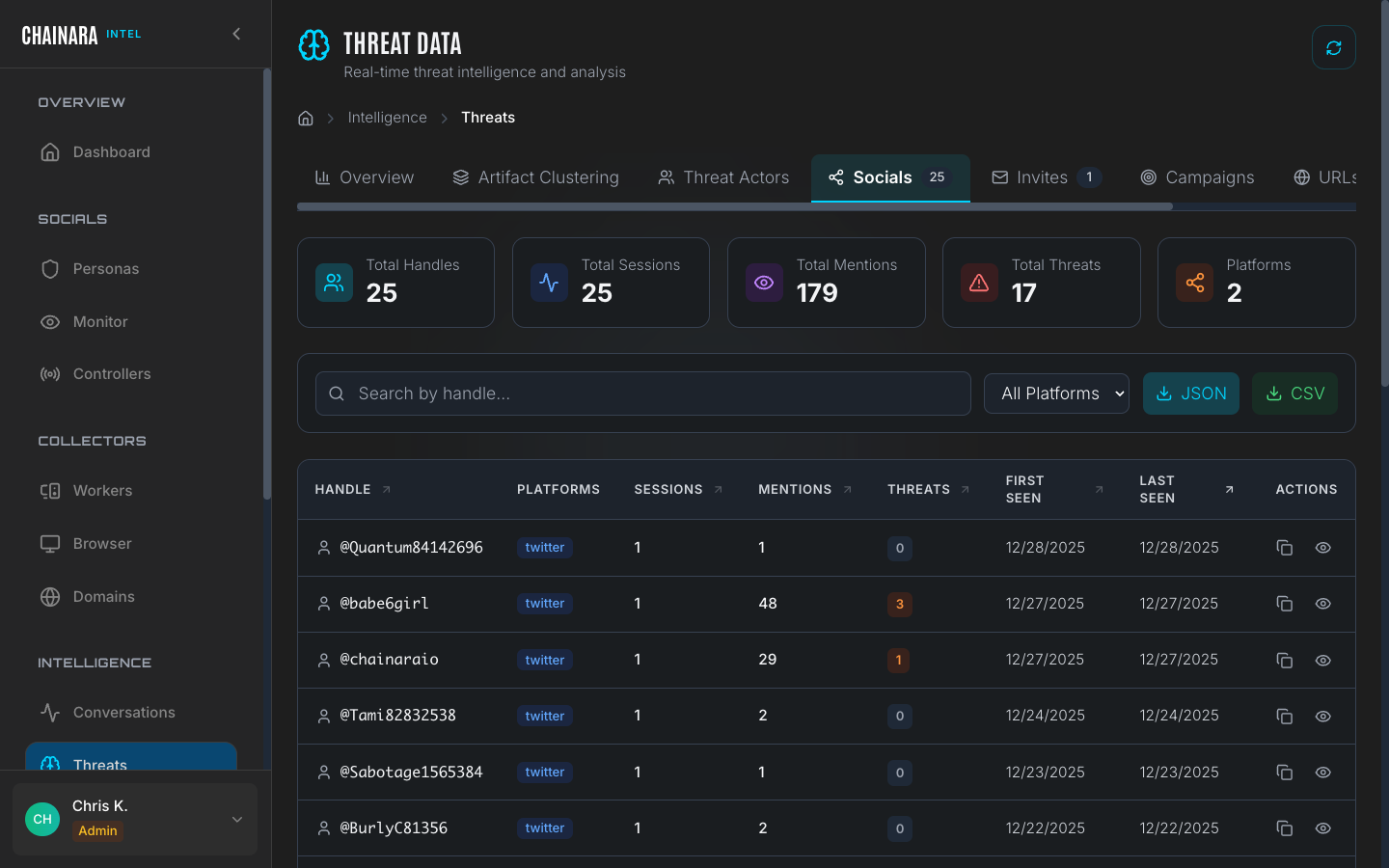
Social threats are the highest-confidence IOCs in the system because they were obtained directly from scammer messages. Each entry includes the source conversation, the persona that elicited the information, and the exact message where the IOC appeared.
Entries in the Socials tab link back to their source Conversation session, so you can review the full context of how the IOC was shared.
URLs
The URLs tab lists all phishing and scam URLs discovered across all collection methods.
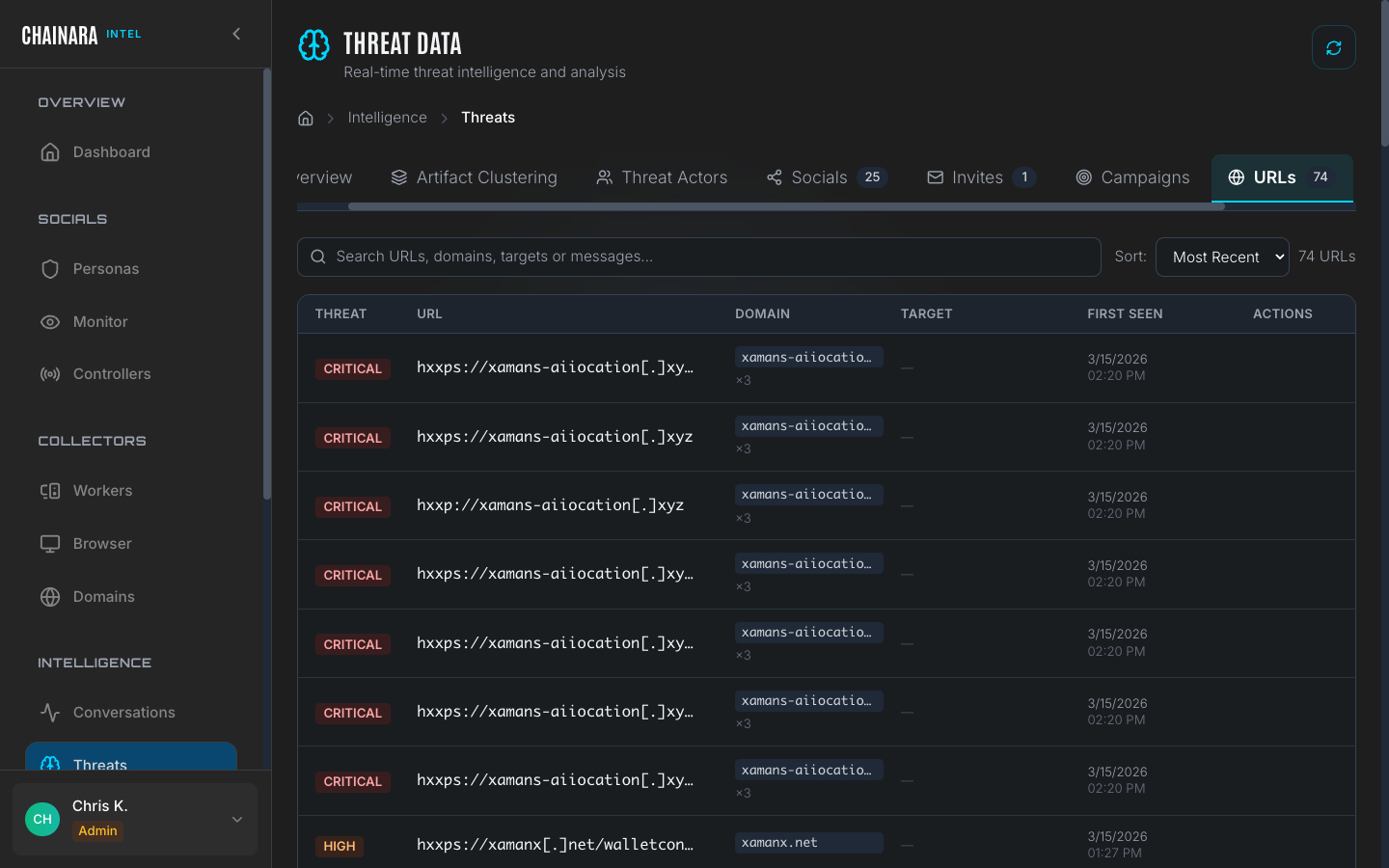
Each URL entry includes:
| Field | Description |
|---|---|
| URL | The full URL as discovered |
| Source | Which conversation or worker scan found it |
| Risk score | 0–99 score from threat assessment LLM |
| Screenshots | Whether the worker captured visual evidence of the page |
| First seen | When this URL was first recorded |
| Last seen | Most recent time it was observed in active use |
| Status | Active / Offline / Redirected |
URLs discovered in conversations are automatically submitted to the Global Collector worker for forensic investigation. Worker findings enrich the URL entry with screenshots and a full report.
Wallets
The Wallets tab shows all crypto wallet addresses extracted from scammer conversations and site scans.
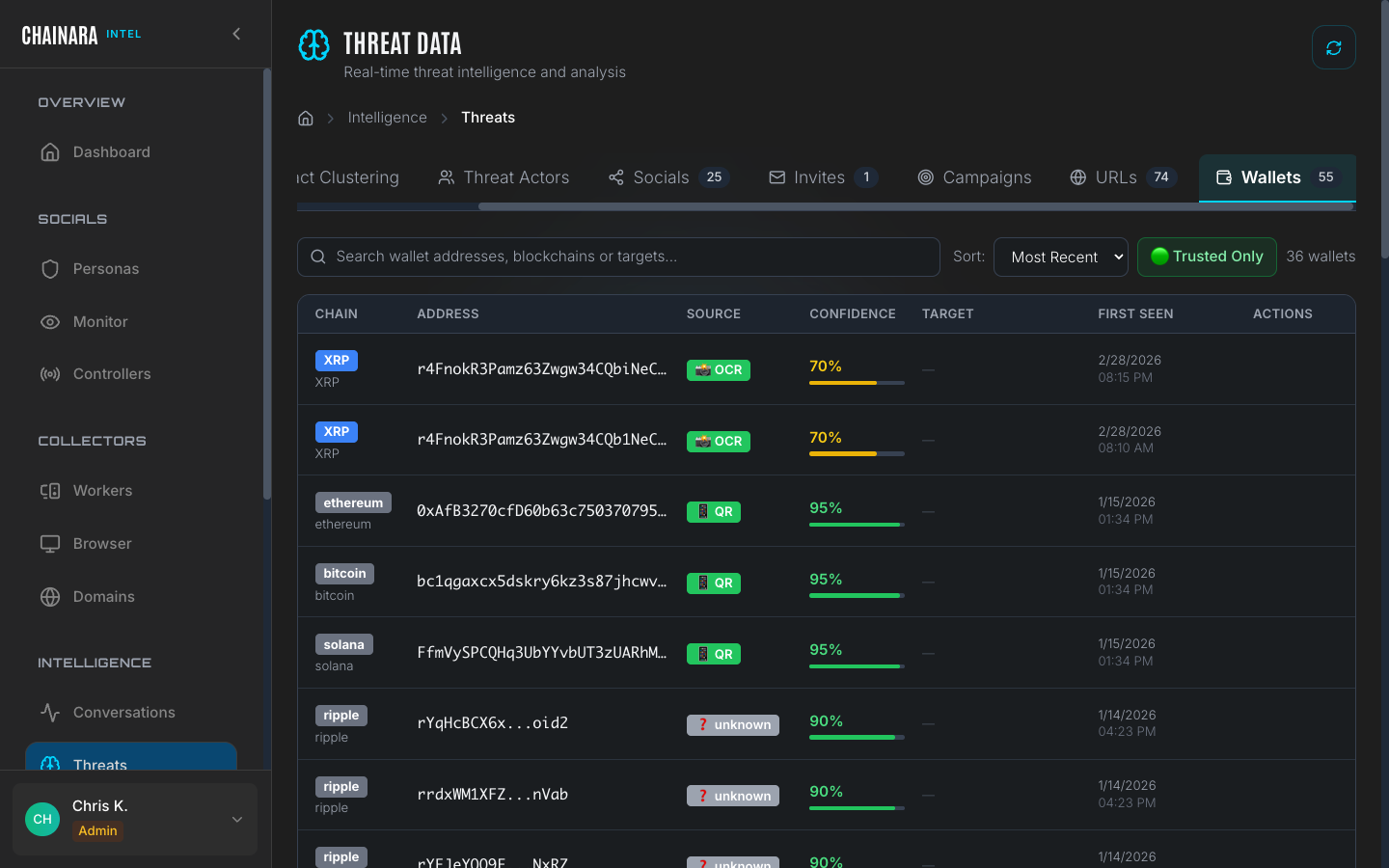
Each wallet entry links directly to the Platform wallet analysis page for deep investigation, where you can see transaction history, associated addresses, exchange interactions, and risk scoring.
Wallets discovered in Intel are automatically synced to the Platform wallet database. The risk score assigned by the Platform threat assessment engine is displayed alongside the raw address.
Wallet addresses are extracted using pattern matching across all supported chains. If a scammer shares a wallet address in any format: including with spacing or line breaks: the extraction engine normalizes it before storing.
Invites
The Invites tab contains Discord and Telegram invite links captured during persona conversations and site investigations.
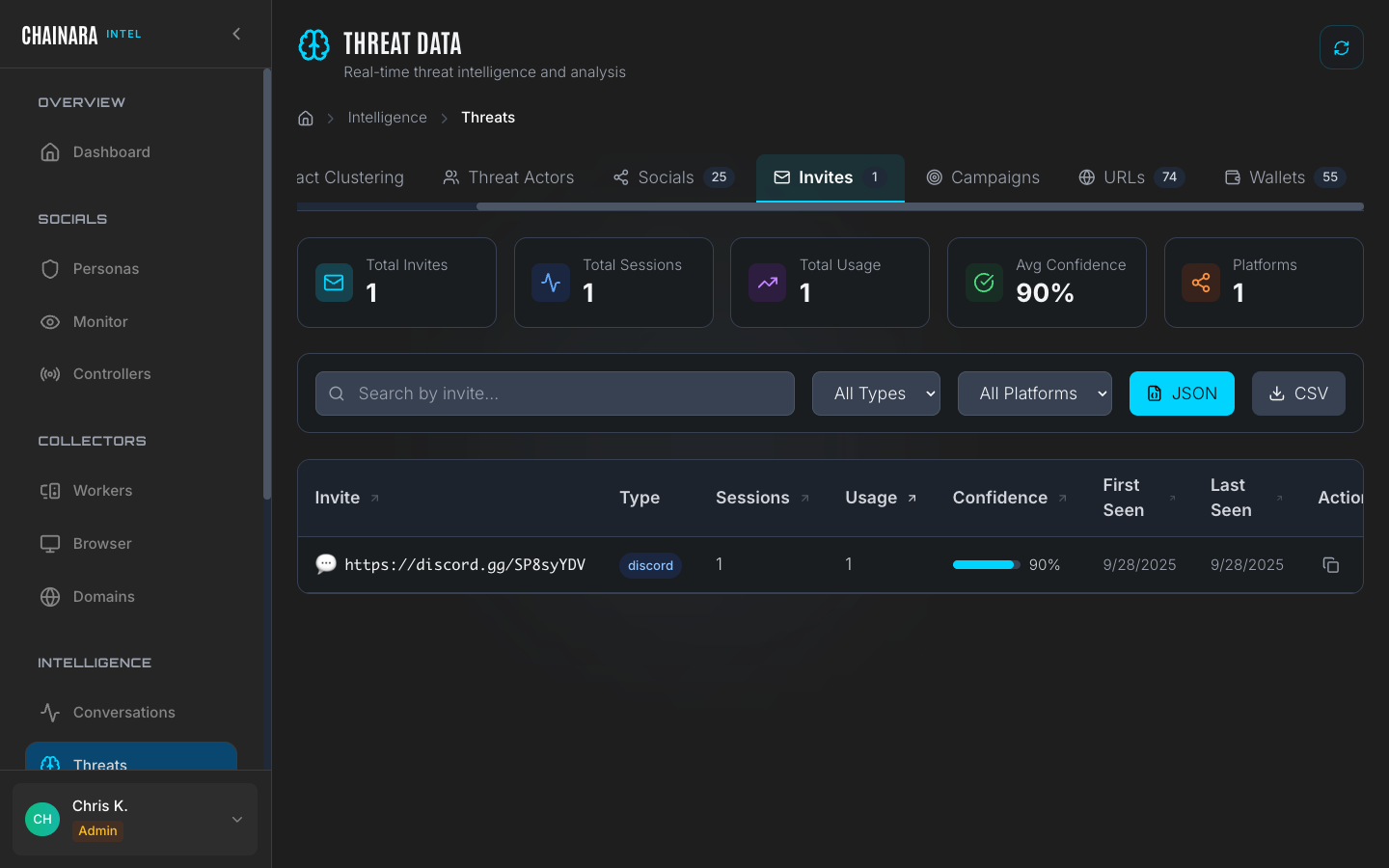
Invite links are valuable for mapping scam server infrastructure. Each captured invite includes:
- The platform (Discord or Telegram)
- The invite code or full URL
- The server or group name it resolves to (if still active)
- Which conversation yielded the invite
- Whether the invite has been acted on (i.e. the bot joined using it)
Invites with active servers can be fed directly into Controllers to join the server and begin monitoring it.
Campaigns
The Campaigns tab groups related IOCs into coordinated threat clusters.
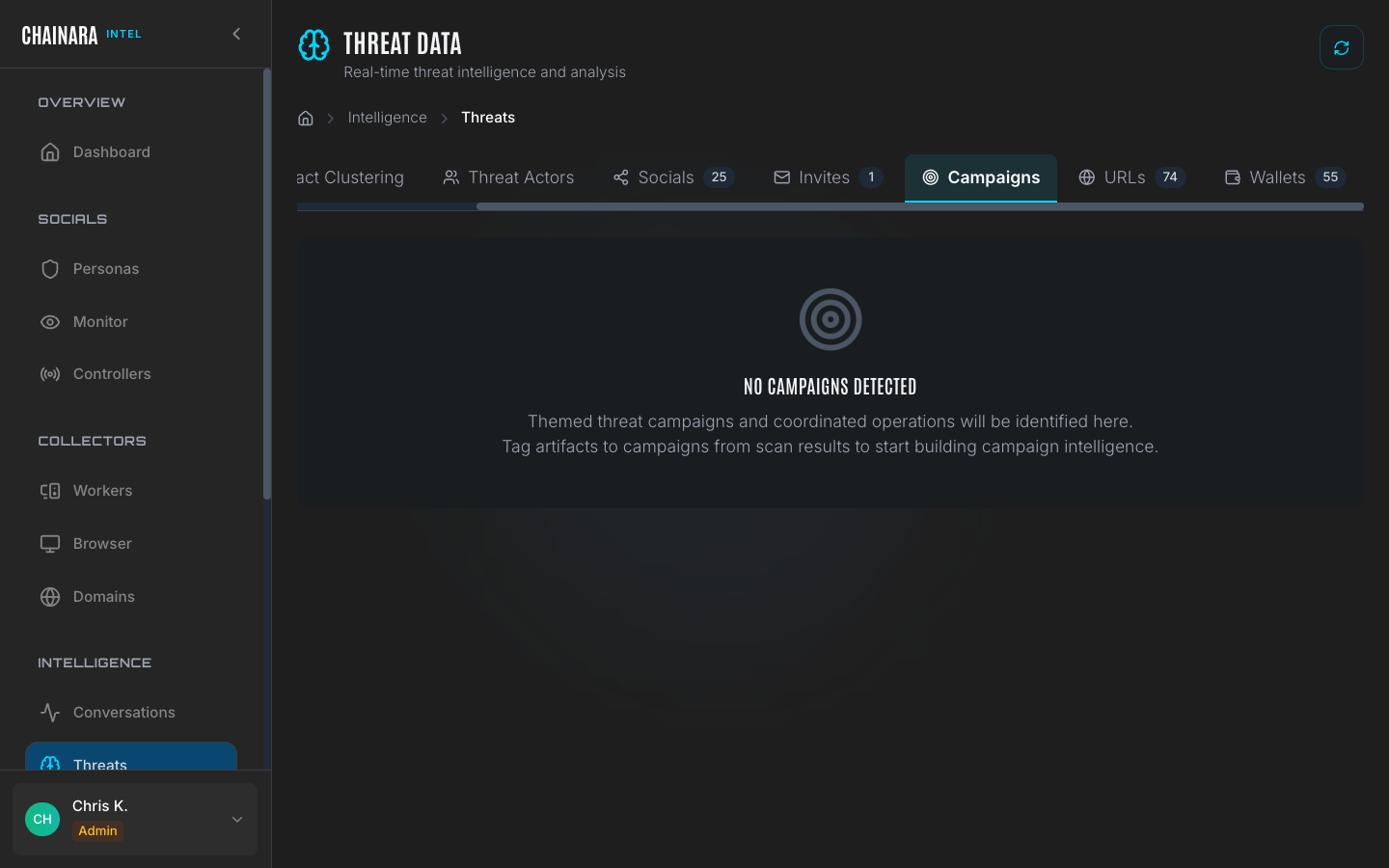
A campaign is automatically formed when the system detects at least 3 related IOCs that share infrastructure, wallet addresses, messaging patterns, or timing: indicating they are part of the same coordinated fraud operation. Relatedness is determined by overlap in at least one of: shared wallet address, shared domain registrar/IP block, identical scam script patterns, or invite links pointing to the same server.
Each campaign entry shows:
- A cluster name or identifier
- The number of constituent IOCs (URLs, wallets, invites)
- The date range of observed activity
- An estimated risk level for the campaign as a whole
Campaigns are the highest-level abstraction in the threat database. Use them to understand the full scope of a fraud operation rather than investigating individual IOCs in isolation.
Threat Actors
The Threat Actors tab lists known and inferred operators behind active campaigns. Each actor is rendered as an expandable card showing:
- Threat level badge: color-coded by overall severity
- Confidence bar: how certain Chainara is that the linked IOCs belong to this actor
- Aliases: alternative names, handles, or pseudonyms the actor is known by
- Active campaigns: campaigns currently attributed to this actor
- Tools and infrastructure: phishing kits, drainer services, hosting providers, registrars
Use the search and filter bar at the top of the tab to narrow by name, alias, threat level, or active-only. Campaigns are tracked separately on the Campaigns tab, but each card cross-links to the actor's campaigns in one click.
Tagging IOCs to actors and campaigns
Anywhere in the Intel UI where you see an artifact (a node on an Infrastructure Map, a row in Artifacts, a session in a Report), right-click for the context menu and choose Tag with Campaign or Tag Threat Actor. The Actor Tagging modal opens with the artifact ID pre-seeded; pick the actor or campaign and confirm. Attribution flows back into this tab immediately and into any future report rendered for that artifact.
Exporting threats
Threat data can be exported:
| Method | Details |
|---|---|
| CSV | Available from the export button on each tab |
| JSON | Download structured data for programmatic processing |
| API | GET /api/intelligence for integration with SIEM or threat feed platforms |
| Threat feed | Integrate with external systems via the Platform's threat feed API endpoint |
Pushing to Platform
Wallets and domains discovered through Intel automatically sync to Chainara Platform for risk scoring and monitoring. This keeps both systems in sync without manual data entry. See Intel → Platform sync for details.