Logs
The Audit Logs page provides an immutable record of all user and system actions across the Intel platform. Every API call, configuration change, persona activation, and worker task is logged here with a full context record: who did it, what they did, and whether it succeeded.
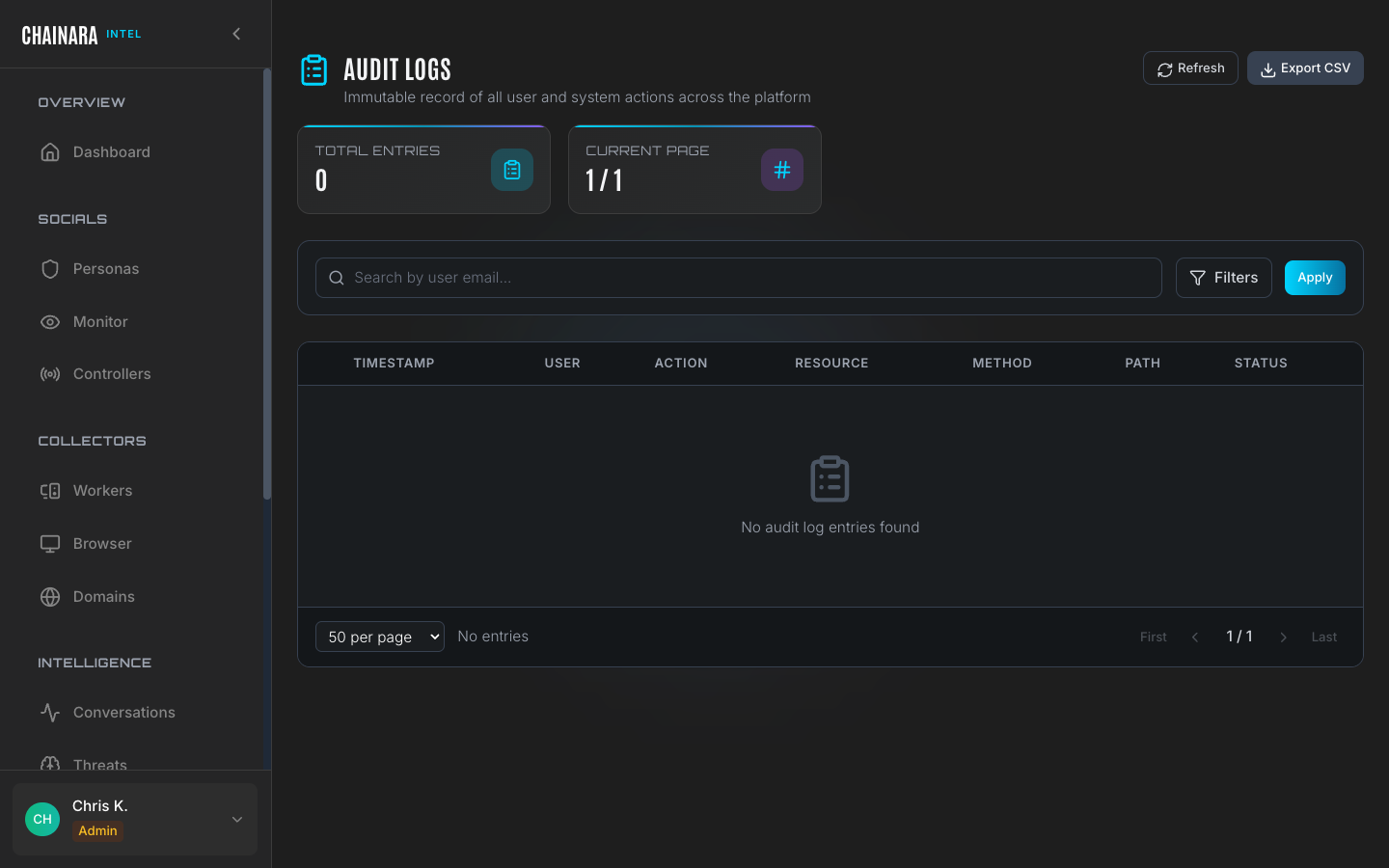
Log table
Each log entry records the full context of a single action:
| Column | Description |
|---|---|
| Timestamp | Exact date and time the action occurred (UTC) |
| User | The user account email or system process name that performed the action |
| Action | The operation type: CREATE, UPDATE, DELETE, LOGIN, LOGOUT, ACTIVATE, DEACTIVATE, EXPORT |
| Resource | The entity that was acted on: persona, worker, conversation, controller, setting, artifact, report |
| Method | HTTP method used: GET, POST, PUT, PATCH, DELETE |
| Path | The specific API endpoint that handled the request |
| Status | HTTP response status code: 200 (success), 201 (created), 401 (unauthorized), 404 (not found), 500 (server error) |
| IP address | Source IP address of the request |
Use cases
The audit log is a critical tool across several operational contexts:
Security auditing
Track configuration changes to understand who modified LLM settings, activated or deactivated personas, added controllers, or changed security proxy configuration. If a persona behaves unexpectedly, the log tells you when its system prompt was last modified and by whom.
Incident response
When a worker generates an unexpected report or a persona sends a message that does not match its system prompt, the logs let you reconstruct the exact sequence of API calls that led to the incident: including any configuration changes that preceded it.
Compliance
Demonstrate a complete audit trail for regulatory requirements. The append-only log store ensures that records cannot be altered after the fact, providing a tamper-evident history of all system activity.
Debugging
Trace API errors back to specific calls. A 500 status on the logs page indicates a backend error: the path and method identify which component failed. Use this in conjunction with the System Health panel to diagnose issues.
Searching and filtering
| Method | Description |
|---|---|
| Text search | Search by user email to find all actions by a specific account |
| Filters button | Open the filter panel to narrow by action type, resource type, date range, HTTP status code, or source IP |
| Export CSV | Download the full filtered log set for offline analysis, SIEM ingestion, or audit evidence packages |
Combining filters is the most effective way to investigate a specific incident. For example, filter by User = user@example.com and Date range = last 7 days and Action = DELETE to see all deletions made by that user in the past week.
Log retention
Logs are retained indefinitely in an append-only store. The immutable nature of the log means records cannot be edited or deleted after they are written: providing a trustworthy audit trail even after a security incident.
The Audit Logs API endpoint (/api/admin/audit-logs) requires admin privileges. If you see a "Network Error" or a 403 Forbidden response when loading the page, verify that your account has the Admin role assigned and that the backend API server is accessible from your current network.