Quick Start
Get up and running with Chainara Portal in under 5 minutes.
Step 1: Log In
Go to your Chainara Portal and sign in with your organization credentials.
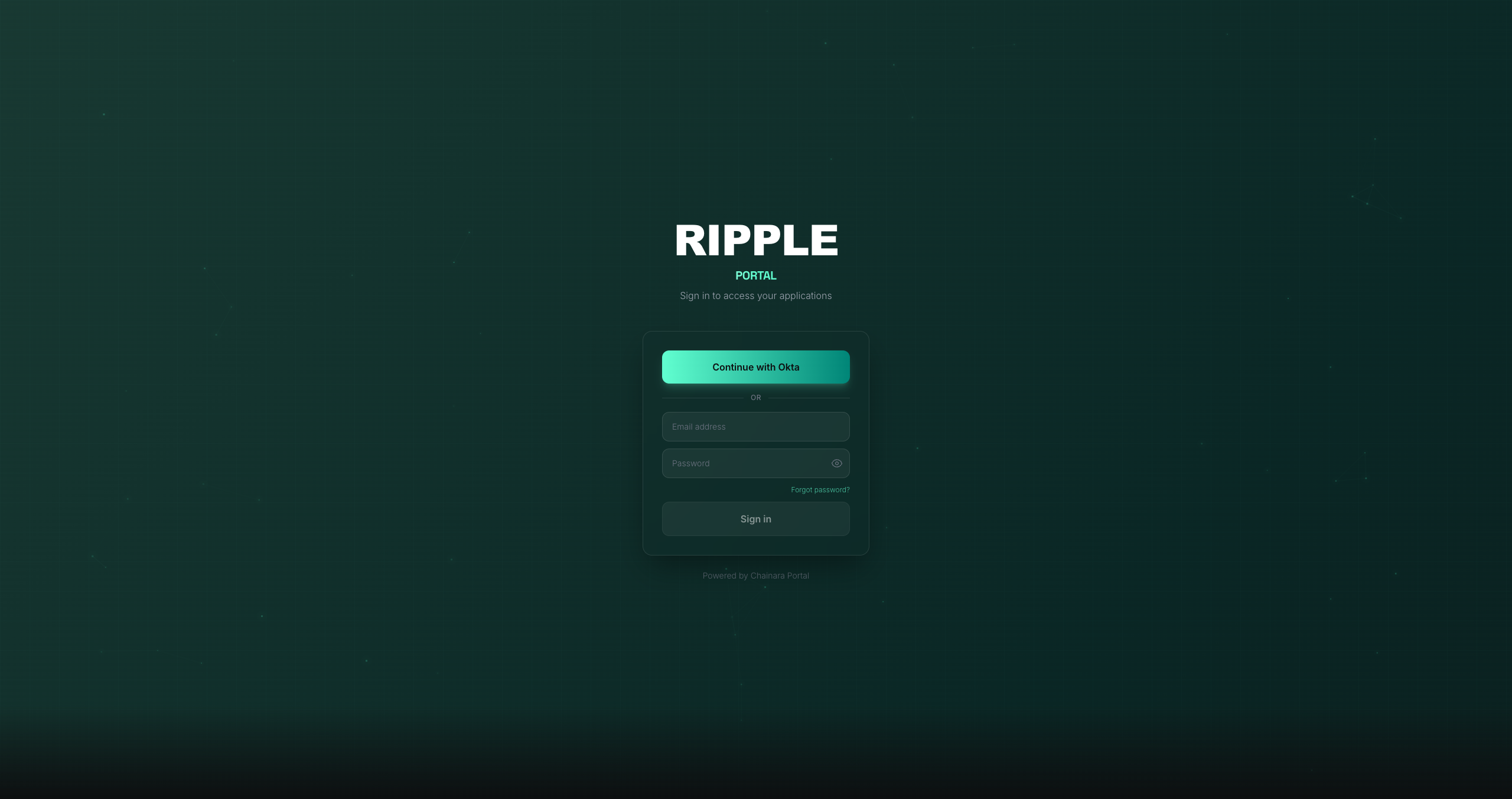
The login screen is white-labeled: the title and available sign-in options depend on your organization's configuration. The example above shows the Ripple deployment with Okta SSO. Your portal may show a different name and different sign-in methods.
- Click Continue with Okta (or Continue with Google) if your org uses SSO
- Or enter your email and password directly
- Use Forgot password? to reset your credentials if needed
Step 2: Explore the Apps Dashboard
After logging in you'll land on the Apps page: your home base.
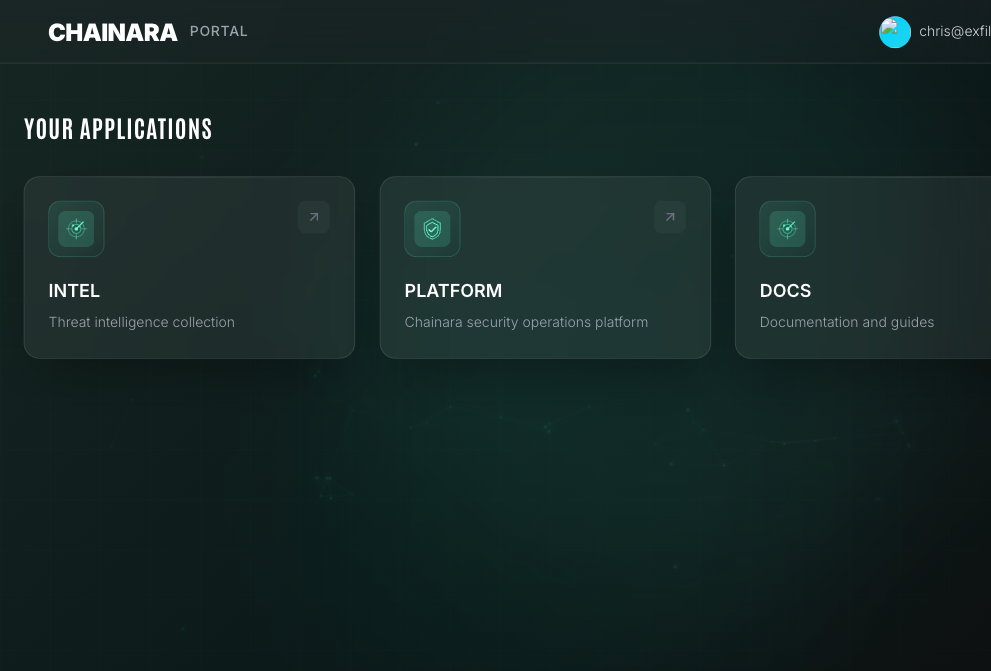
Here you can see all Chainara applications available to your account and launch any of them with a single click. Which apps appear depends on your role and subscription: contact your administrator if an app you expect is missing.
Step 3: Launch an App
Click any app card to open it:
| App | What it does |
|---|---|
| PLATFORM | Blockchain security ops: wallet risk scoring, domain detection, fraud intelligence, API |
| INTEL | Threat collection: AI personas, conversation monitoring, IOC extraction |
Step 4: Sign Out
To sign out, click your name or avatar in the top-right corner of the portal and select Sign out.
Check out the full User Guide for an in-depth walkthrough of every feature.