Logging In
Chainara Portal supports multiple authentication methods depending on your organization's configuration.
Login Screen
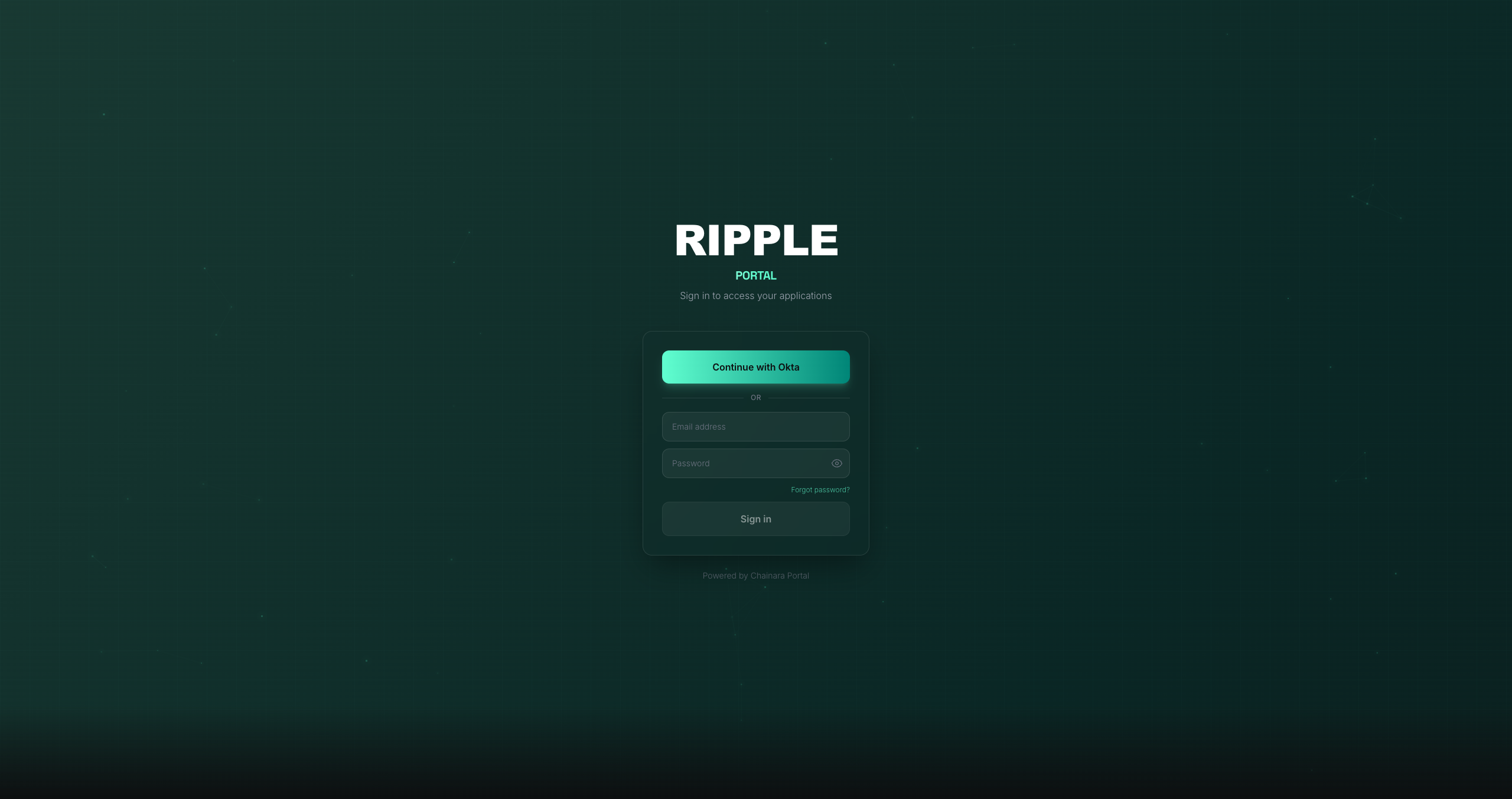
When you first visit the portal, you'll see the login screen:
Authentication Methods
Google SSO
For organizations using Google Workspace:
- Click Continue with Google
- Select your Google Workspace account
- Grant the requested permissions on first login
- You'll be redirected to the Apps dashboard
Okta SSO
For organizations using Okta:
- Click Continue with Okta
- You'll be redirected to your organization's Okta login page
- Complete MFA if required
- You'll be redirected back to the portal
Email & Password
Some portal configurations also support direct email/password login:
- Enter your Email address
- Enter your Password
- Click Sign in
Forgot your password?
Use the "Forgot password" link on the login screen, or contact your administrator.
Troubleshooting Login Issues
| Issue | Solution |
|---|---|
| "Unauthorized" error | Your account may not be provisioned yet: contact your admin |
| Redirect loop | Clear browser cookies and try again |
| SSO not working | Verify your organization's SSO config with your IT team |
| Can't find your account | Make sure you're using your work email, not a personal one |