Navigation
The Chainara Portal has a consistent navigation structure across all pages.
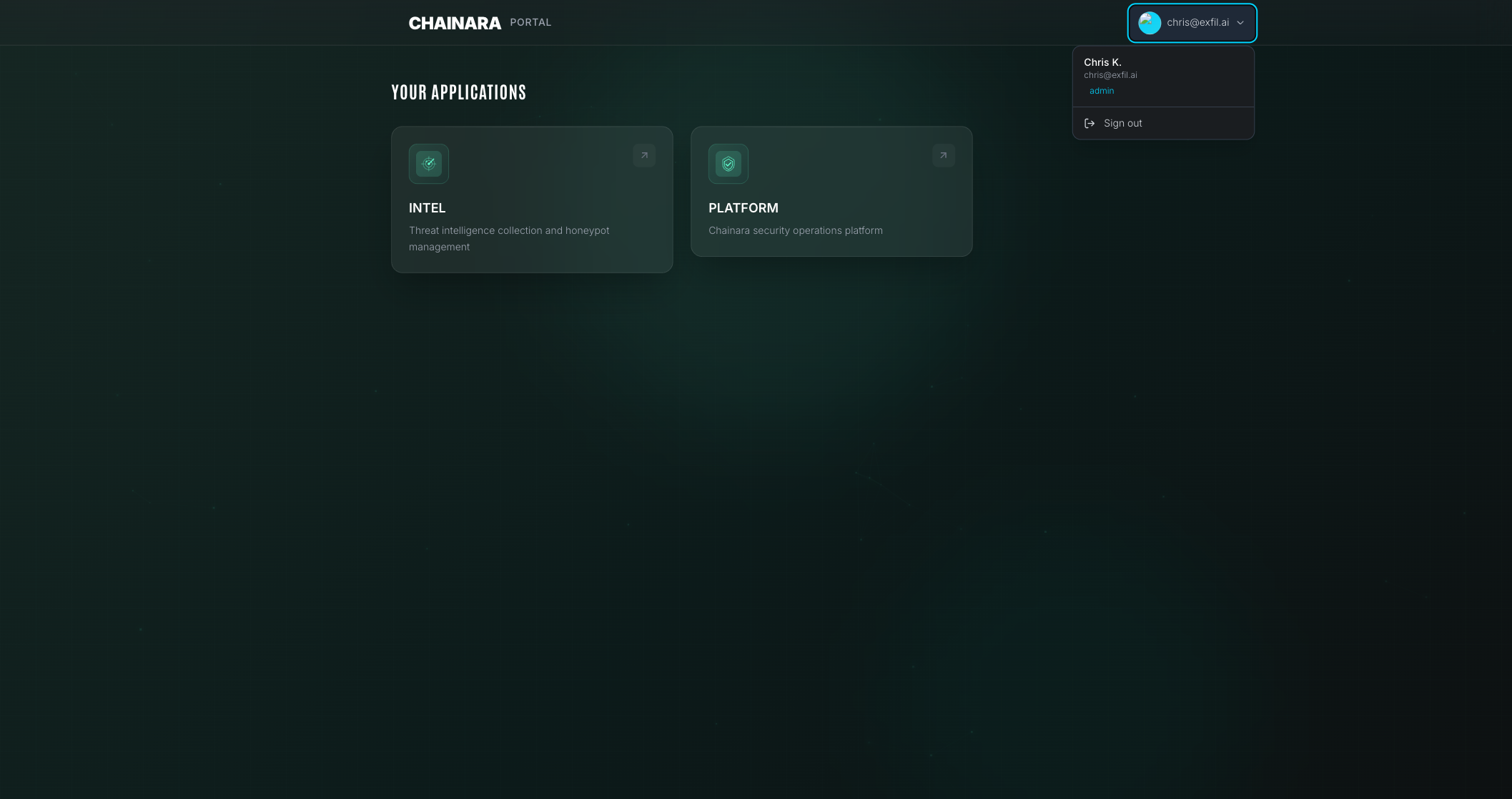
Top Navigation Bar
The top bar contains:
- Portal logo / title: click to return to the Apps dashboard
- User menu: access profile settings, account info, and log out
Sidebar (if applicable)
Some views include a left sidebar with:
- Section links
- Quick access to recent apps
- Notification indicators
Breadcrumbs
Deeper pages show breadcrumbs at the top so you always know where you are.
Keyboard Shortcuts
| Shortcut | Action |
|---|---|
G then A | Go to Apps |
G then S | Go to Settings |
? | Show keyboard shortcuts |
Mobile Navigation
The portal is responsive. On mobile:
- The sidebar collapses into a hamburger menu
- App cards stack vertically
- All functionality remains accessible