Search
The Search page is your entry point for quickly looking up any XRP wallet address or domain.
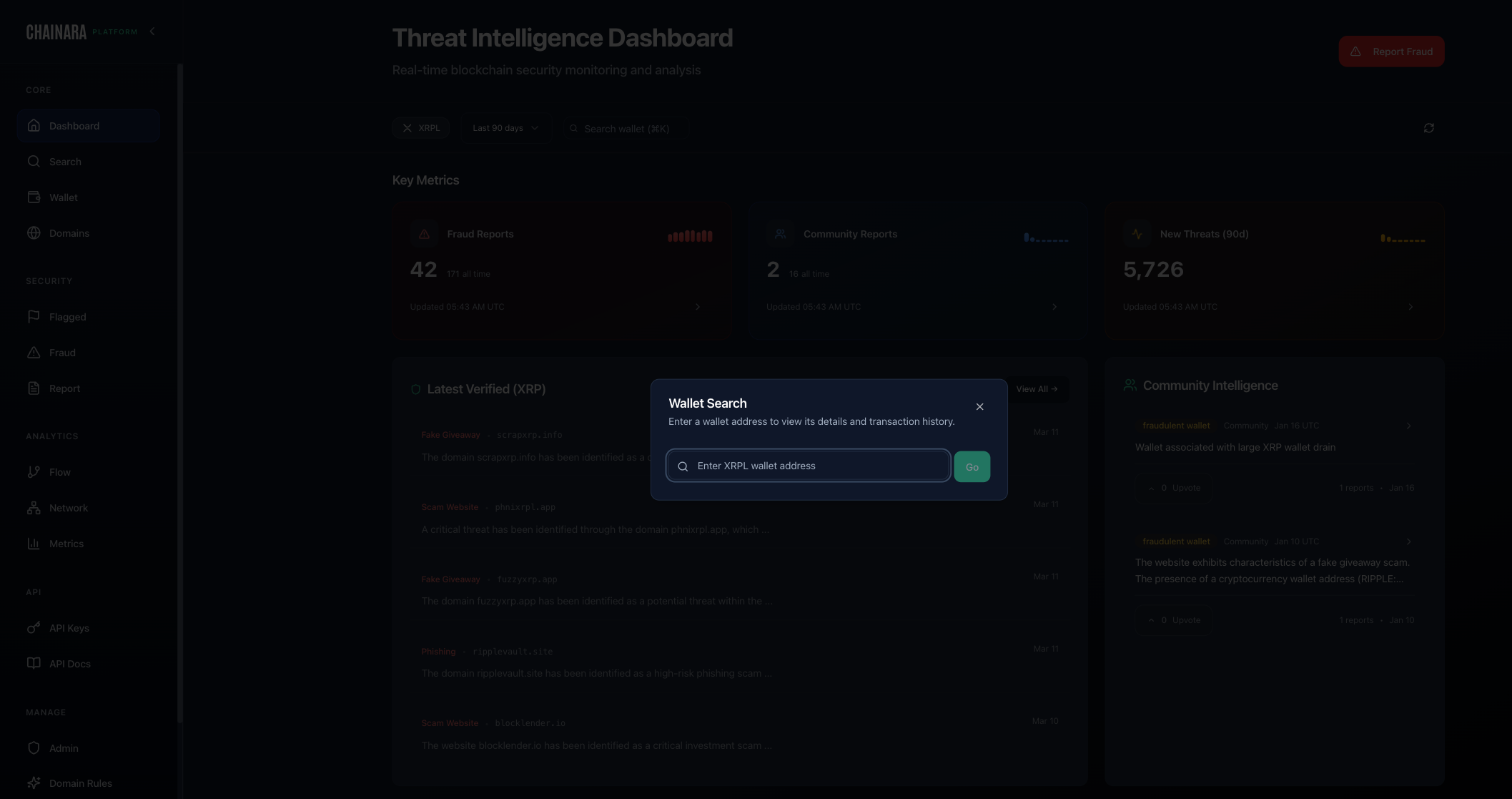
Searching a Wallet
- Enter an XRP wallet address (r-address) in the search box
- Press Enter or click Search
- The system returns a risk summary card showing:
- Risk Score (0–100)
- Confidence level
- Classification (e.g. Scammer, Fraud, Suspicious)
- Known signals associated with the wallet
- Click View Full Analysis to open the detailed wallet analysis page
Search Results
A successful wallet search returns a risk summary card showing:
- Risk Score with confidence level (e.g. HIGH: 0.80)
- Classification of the fraud type (e.g. Fake giveaway scam, Investment scam)
- Activity summary: total XRP received and sent
- Active signals: what triggered the risk score (e.g. linked to phishing domain, multiple reports)
Searching a Domain
Enter a domain name (e.g. suspicious-domain.xyz) to look up:
- Domain risk classification
- Associated wallets
- Phishing/typosquatting indicators
- Detection rule matches
Search Tips
- Use the full r-address for XRP wallets
- Domain searches work with or without
https:// - Results link directly to full analysis pages